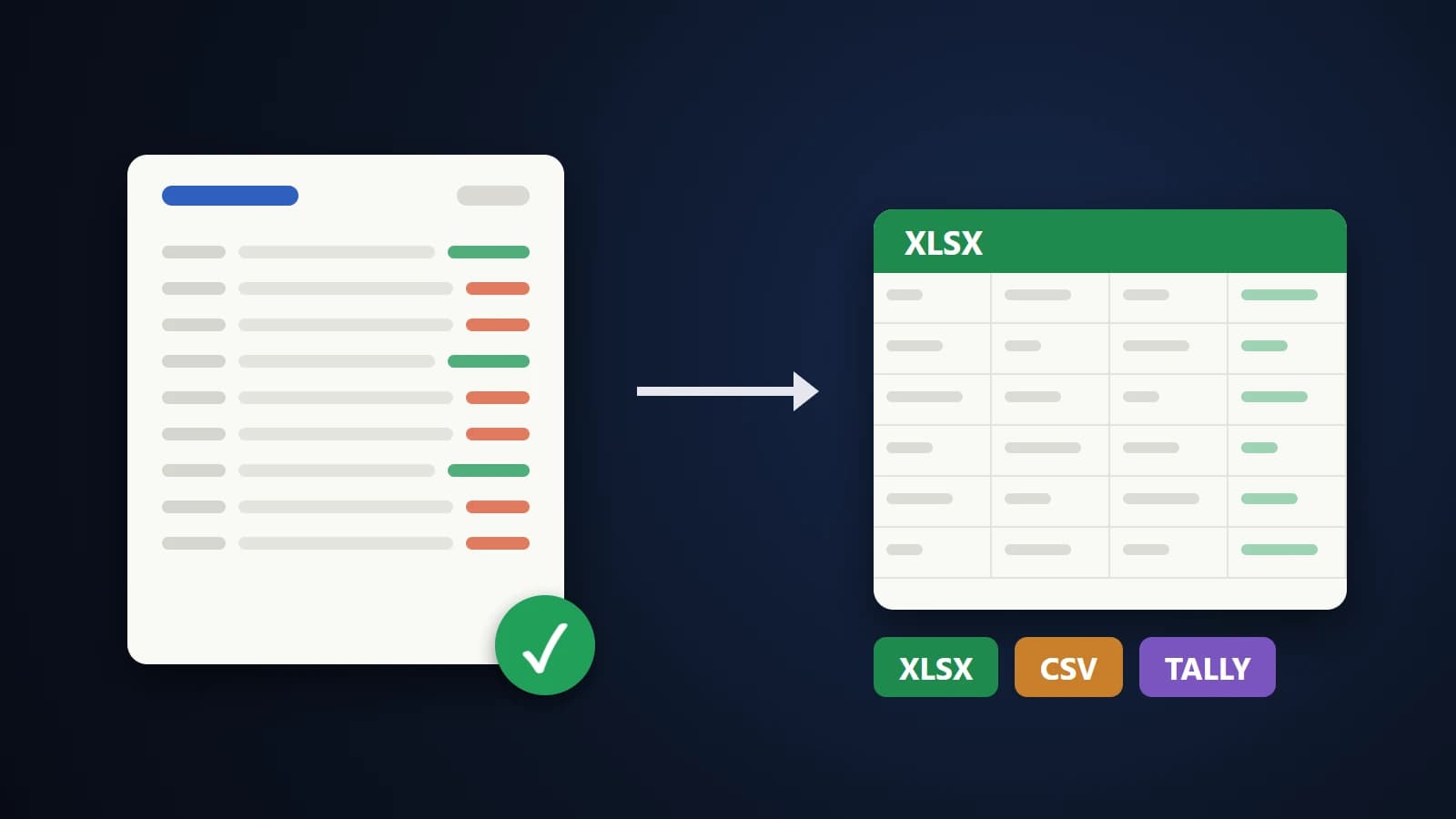
A bank statement PDF looks like a table, so you select it, paste it into Excel and get a mess: dates in one cell, half a narration in the next, amounts stuck to the wrong column. The reason is simple. A PDF does not contain a table at all. It contains pieces of text placed at exact positions on a page, and your spreadsheet has to work out which pieces belong together.
For a one-off check that is annoying. For an accountant who handles statements for dozens of clients, it is a daily cost, and a wrong digit in a bank entry is expensive. This guide explains how to do the conversion properly, and how to prove the result is right.
Why bank statements are harder than other tables
- Narrations wrap onto several lines. A UPI or NEFT description often continues on the next line, sometimes in the middle of a word or a reference number.
- Debit and credit share a column or sit in two. Some banks print withdrawals and deposits side by side, others use one amount column with Dr/Cr.
- Order differs. Most statements run oldest to newest, but some list the newest transaction first.
- Page furniture repeats. Headers, account numbers and "Page 3 of 12" lines appear on every page and must not become transactions.
- Indian number format. Amounts such as 1,00,000.00 use lakh grouping, which a western parser may misread.
Text PDF or scanned PDF?
Open the PDF and try to select a line of text with your mouse. If you can, it is a text PDF, which is what net banking downloads normally give you, and it converts accurately. If you cannot select anything, it is a scan: only a picture of each page. Scans need OCR (text recognition), which is slower and can misread digits, so always download the text version from your bank when you can.
Convert in three steps
- Open Bank Statement to Excel and drop in one or more statement PDFs.
- Check the summary and the balance verification (explained below). Open any row in the PDF preview if you want to confirm it.
- Download an Excel workbook, a CSV, or a Tally XML file.
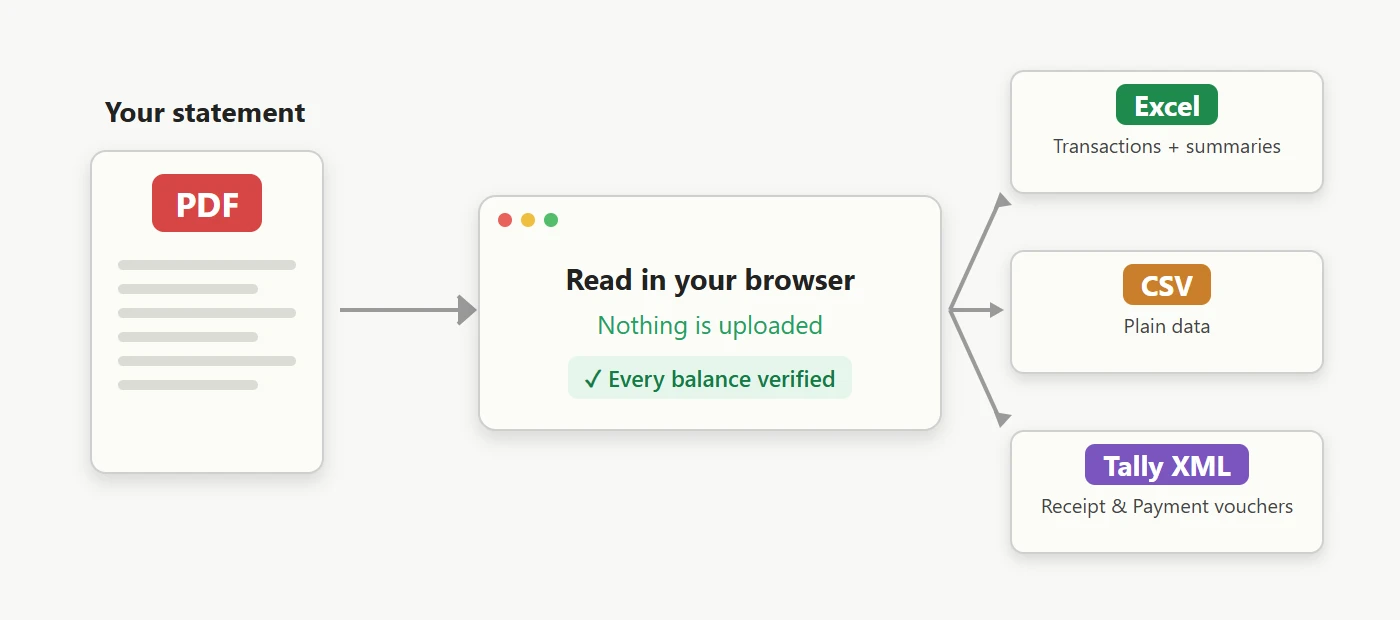
Everything runs in your browser, so the statement is never uploaded. That matters when the file belongs to a client.
Trust, but verify: the running-balance check
A statement is a chain. Each line's balance equals the previous balance plus the credit minus the debit. That gives a built-in proof: if a converter reads a number wrongly, the chain breaks at that exact row.
The converter tests every row this way. When all rows reconcile you see a green confirmation, for example "All 339 rows reconcile". When some do not, they are highlighted and you can jump to the first one, open it in the PDF preview and fix it. This also lets the tool decide whether an amount is a debit or a credit from the balance change, instead of trusting where the number sits on the page.
If a statement has no running balance (many credit card statements), the rows are still converted but cannot be verified, and the tool says so.
For accountants: Tally, many statements and categories
- Tally Prime XML. Choose Tally XML, enter your bank ledger name and a counter ledger such as Suspense A/c. Every credit becomes a Receipt voucher and every debit a Payment voucher. In Tally use Import Data and pick the file. Switch on "Also create the ledgers" only if they do not exist yet.
- Several statements at once. Add one PDF per quarter or per year. They are merged in date order, rows repeated by overlapping periods are removed, and a gap between two statements is flagged by the balance check.
- Categories. Rows are tagged (salary, EMI, UPI, bank charges, interest, tax and more). Add your own rules, for example "zomato" → "Staff Welfare", and they are remembered in your browser.
- Excel sheets. The workbook has Transactions, Summary, Monthly Summary and Category Summary. Totals use live formulas, so you can audit them in Excel.
Password-protected statements
Most banks lock statement PDFs with a password, often built from your customer ID, date of birth or mobile number. The converter asks for it and uses it only inside your browser to open the file.
When something looks wrong
- Rows highlighted in red. Open the row in the PDF preview and compare. Correct the cell and the check re-runs.
- "No transaction table found". The file may be a summary or a photo. Use the full transaction statement.
- Scanned PDF. Run OCR (beta) and read the highlighted rows carefully.
- First row marked as low confidence. With no earlier balance, the direction of the very first row can be uncertain when a statement uses one amount column. Check it against the PDF.
- Need a different table, not a bank statement? Use PDF to Excel, or read how to convert PDF tables to Excel.
The bottom line
Converting a bank statement is not about copying text, it is about being able to show the result is correct. Use a text PDF, convert it privately in your browser, and let the balance check confirm every line before the numbers reach your books.