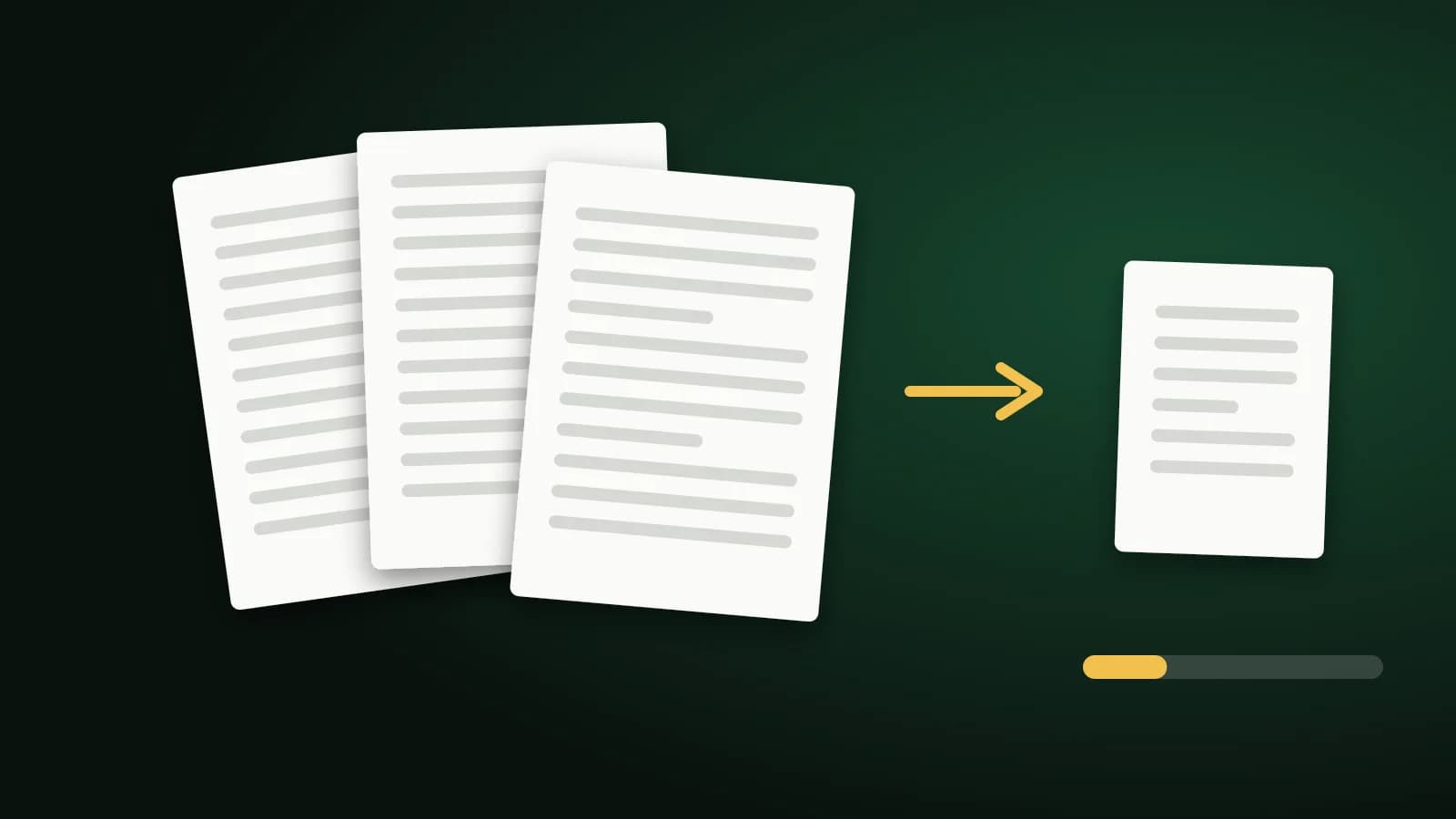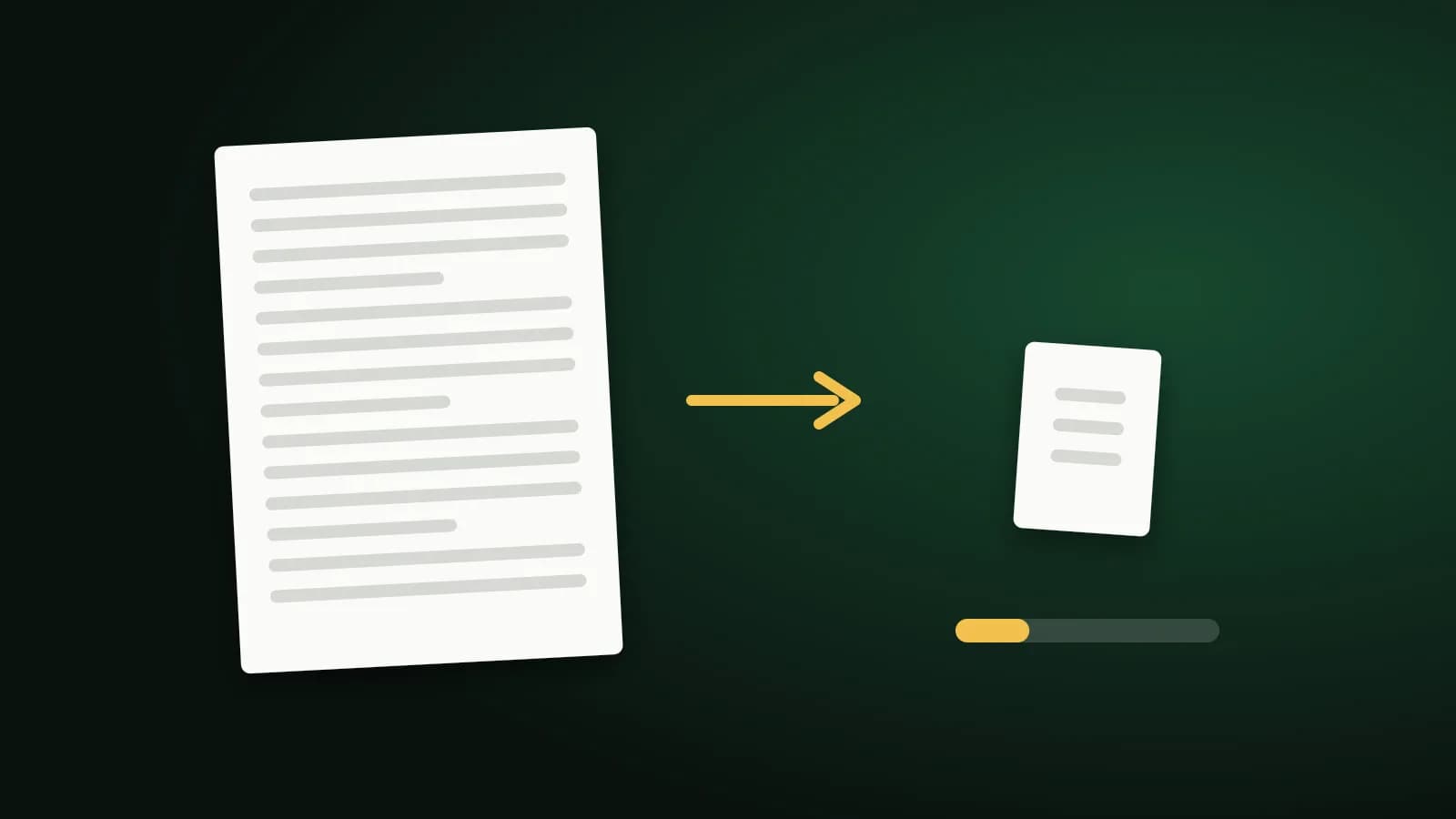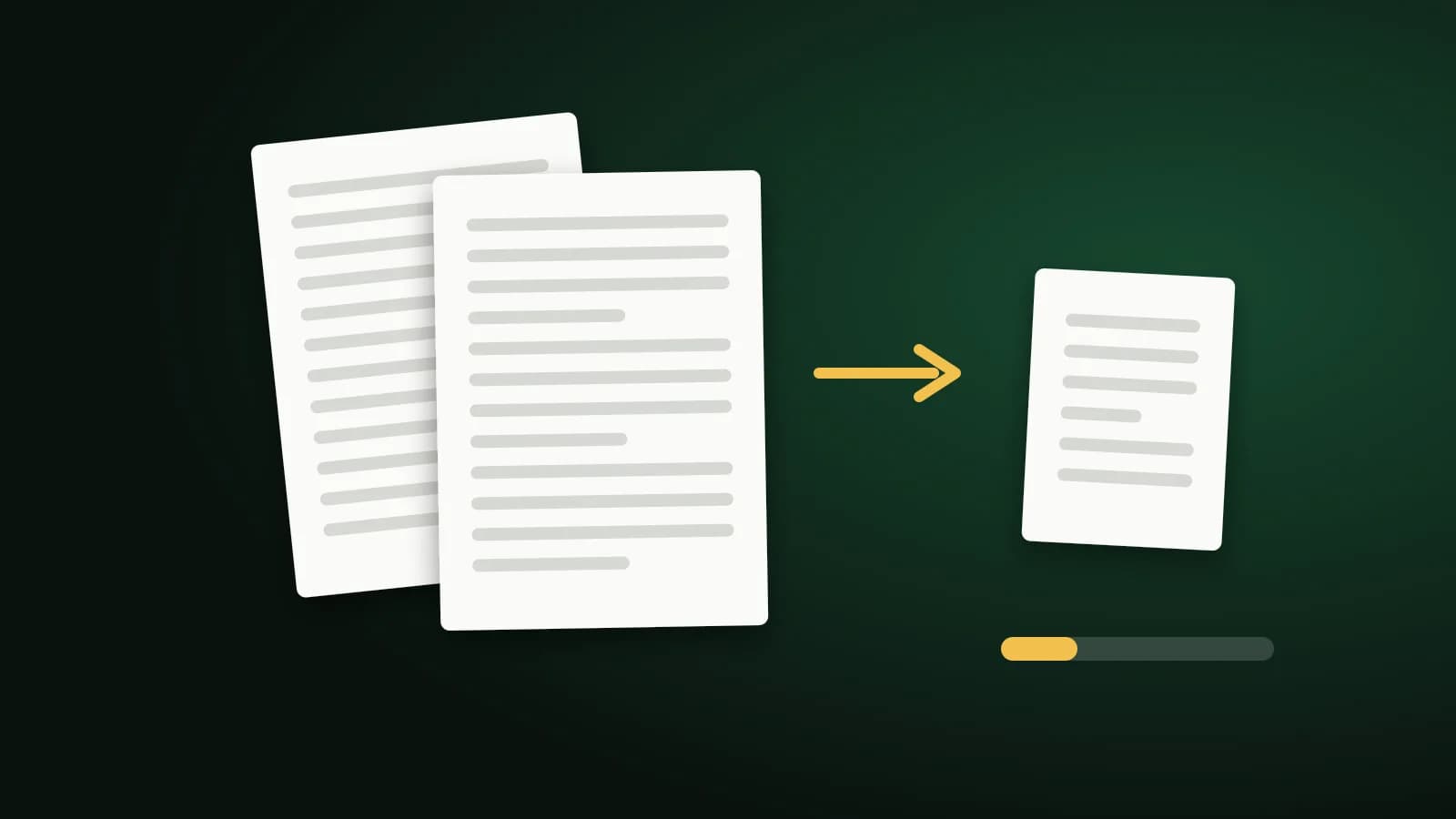
Fifty kilobytes sounds generous until you look at what a PDF contains. A single phone photo is many times that, and a scanned page is a photograph of paper. Whether your document fits depends on its page count and what is on the pages, and a little arithmetic tells you quickly what to expect.
Think in kilobytes per page
A limit applies to the whole file, so every page shares it:
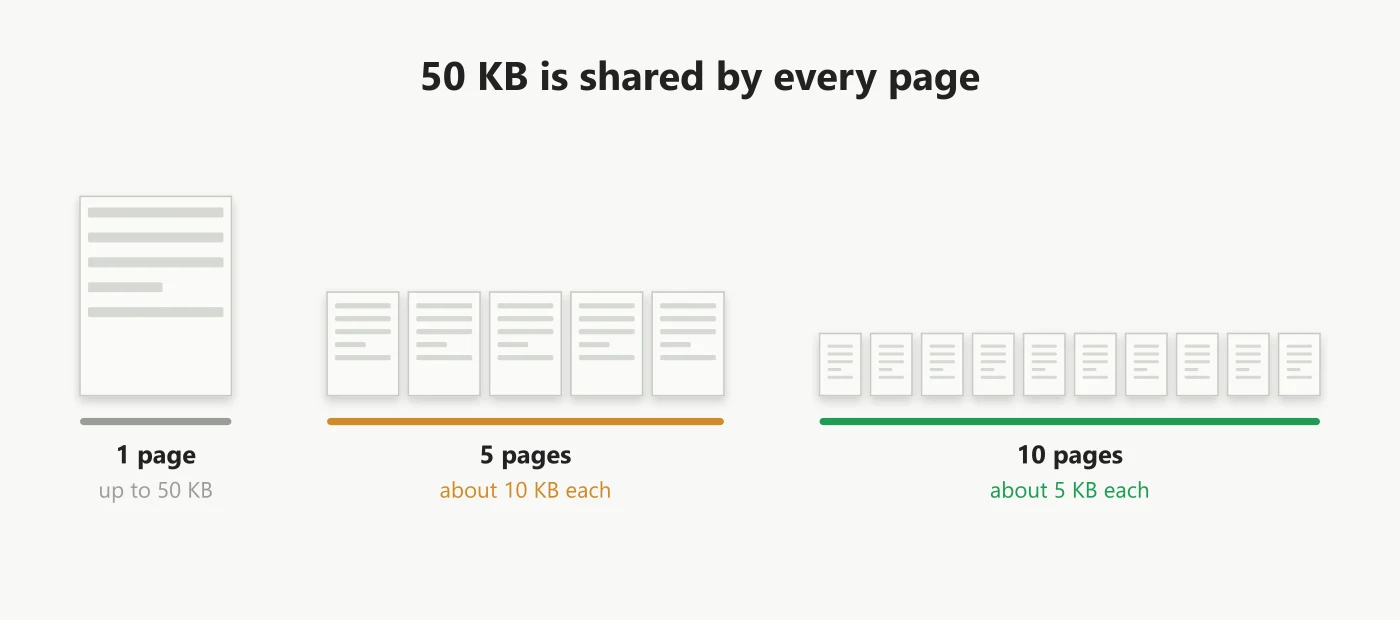
A typed page is often a few kilobytes of text and fonts, so a short typed document may already fit. A colour scan can use hundreds of kilobytes on its own, so a scanned document with several pages will not.
Try these in order
- Export from the source. A PDF saved from Word or a spreadsheet keeps text as text and is usually far smaller than a printed copy scanned back in.
- Remove pages you do not need. Use Delete PDF Pages, or Split PDF to send a long file in parts.
- Scan sensibly. Grayscale at moderate resolution is much smaller than colour at the highest setting.
- Compress the pictures. Use Compress PDF to 50KB.
What the 50 KB tool does
It checks the strongest compression first to learn whether 50 KB is reachable. If it is, it steps back through gentler levels and keeps the most readable result that fits. If it is not, it compresses the embedded pictures harder before giving up. Text and vector graphics are left alone, so words stay sharp and selectable, and a file already at 50 KB or less comes back unchanged.
If the file is still over, you can choose an extra step that converts each page to a small image. That can reach the target for a short document, but the text becomes part of a picture and can no longer be selected, copied or searched. It never runs unless you choose it. The file is sent to our server over an encrypted connection and deleted as soon as the result is returned. Files up to 100 MB are accepted.
If it still will not fit
- Split the document and ask whether the portal accepts several files.
- Check whether the limit is really 50 KB: Compress PDF to 100KB leaves much more room for quality.
- Keep an unconverted copy for yourself if you used the image step.
Frequently asked questions
Can a multi-page scan fit in 50 KB?
Rarely. Five scanned pages would have about 10 KB each. Split the scan or ask for a larger limit.
Will I lose the ability to select text?
Only if you choose the image step. The default pass leaves text alone.
Does it reach exactly 50 KB?
No. It aims for the best result at or under the limit, so it usually lands a little below.
The short version
Divide 50 KB by your page count, export from the source where you can, and compress the pictures last. A short document often fits; a long scan needs a bigger limit or several files.