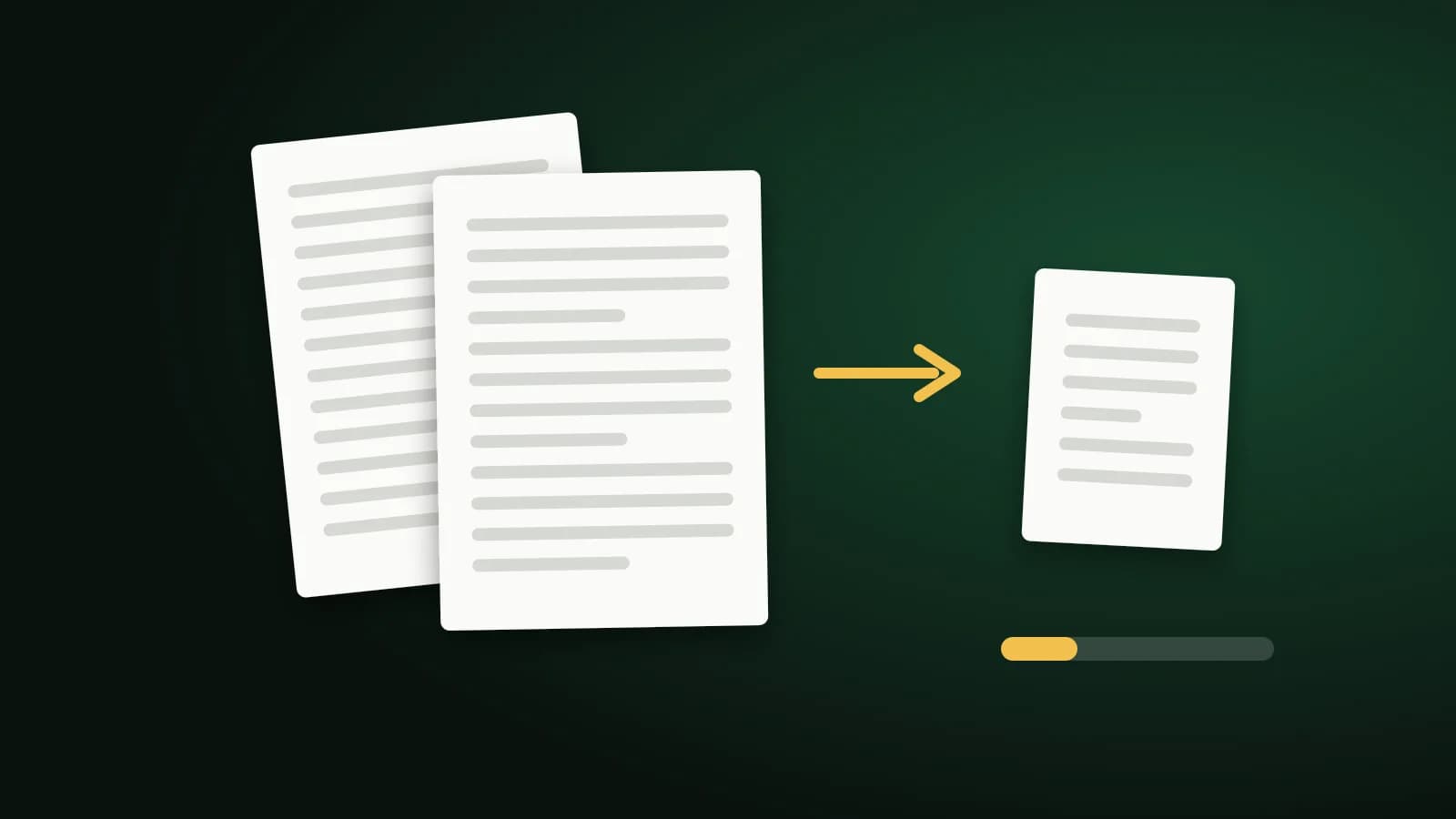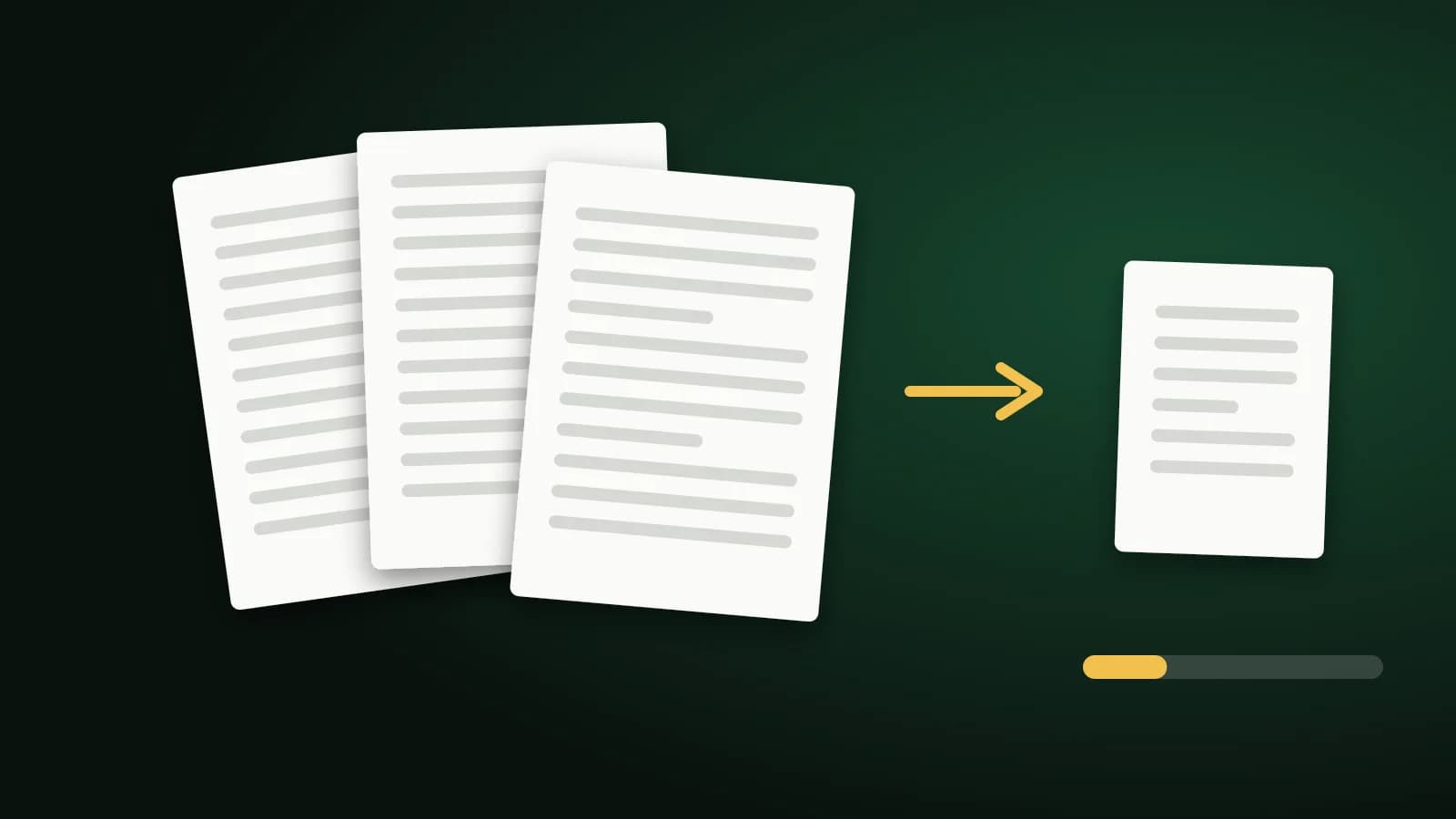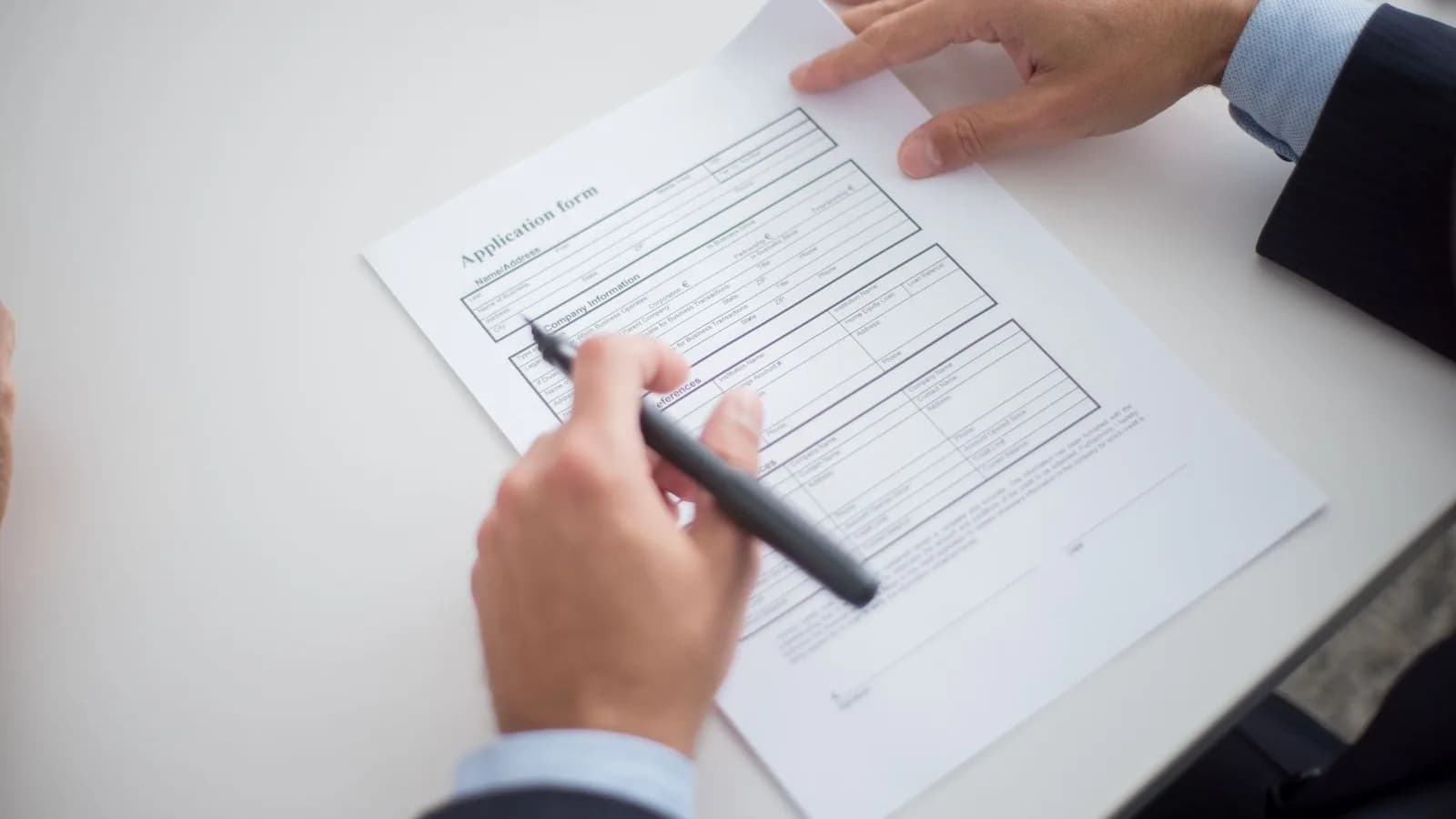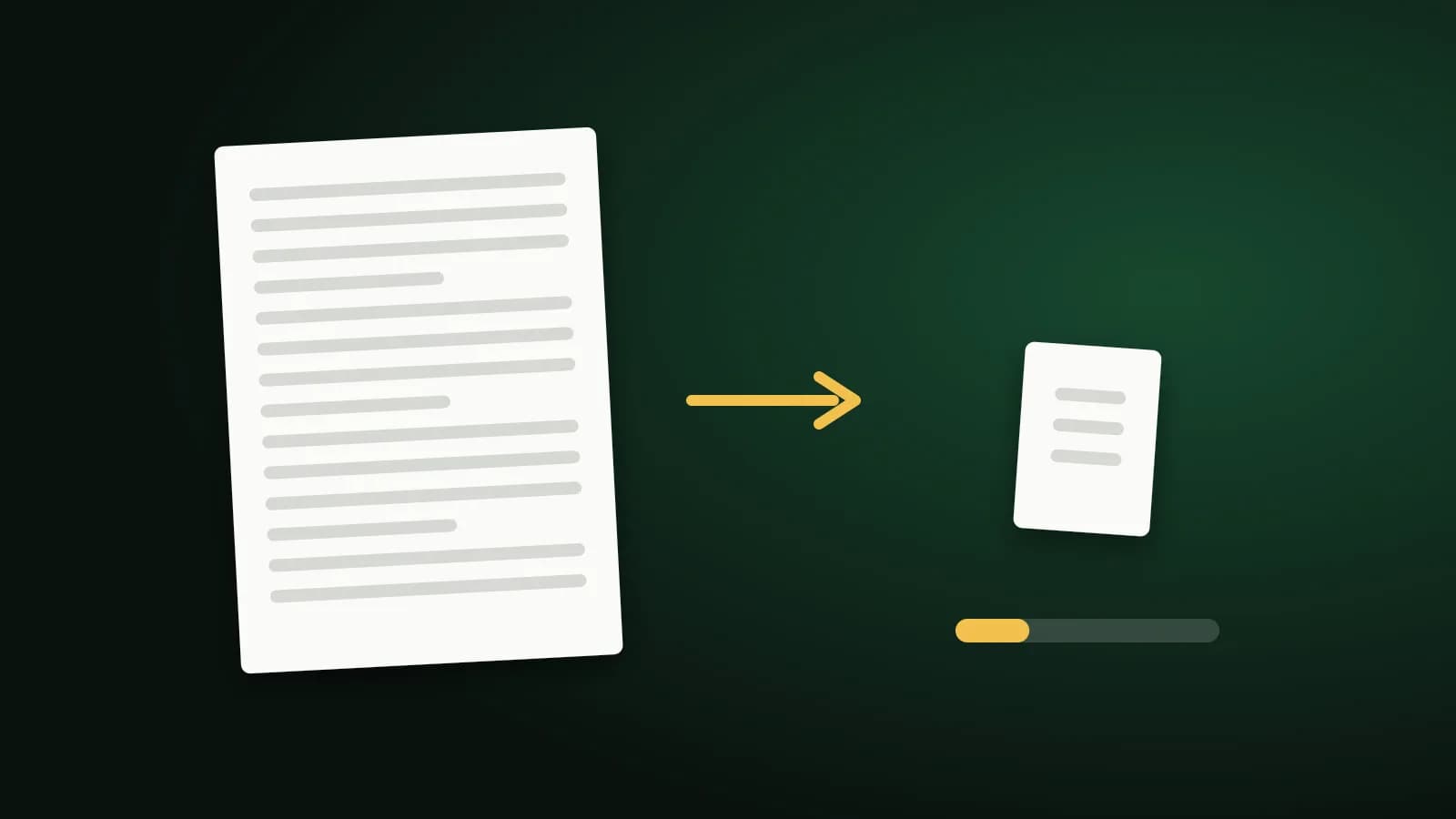
A 20 KB limit on a PDF is unusual and tight. Most of the time it only works for a single page, and sometimes only if you accept a trade-off. This guide is about being realistic: what 20 KB can hold, what you give up to reach it, and what to ask for instead.
What 20 KB can hold
The limit applies to the whole file:
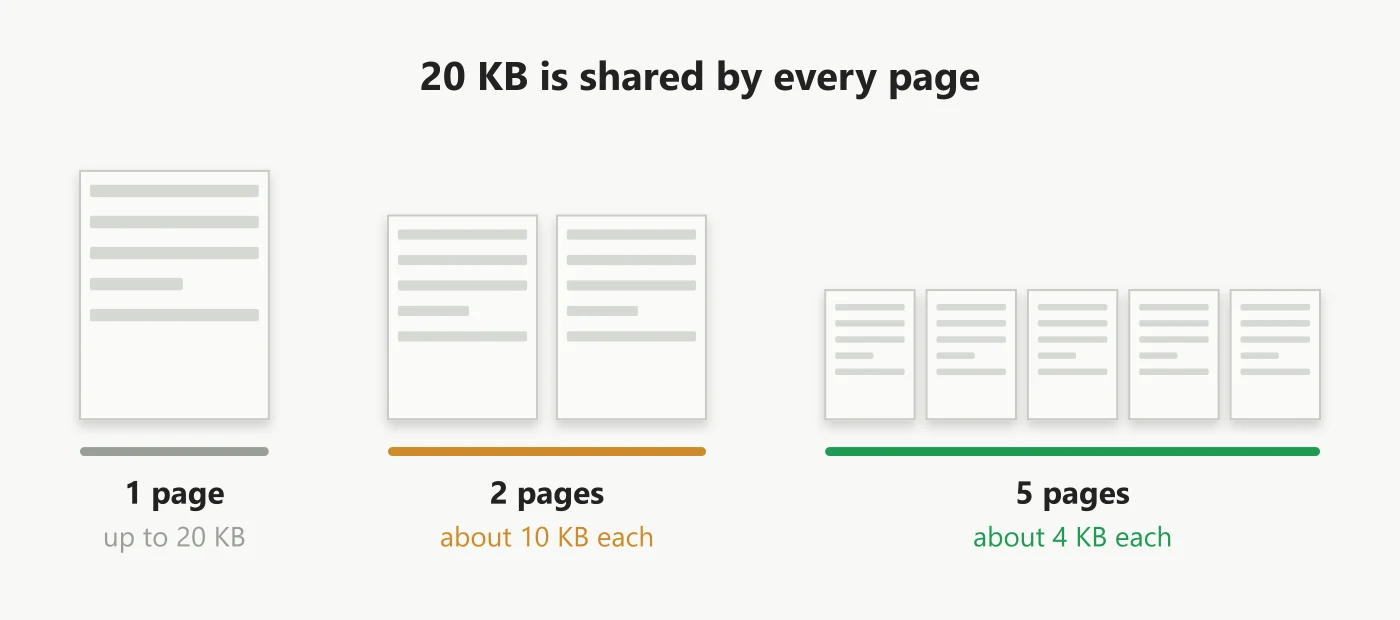
A single typed page may already be under 20 KB. A scanned page is a picture, and fitting even one into 20 KB means a small, grayscale image. More than two pages of scanned material almost never fits.
Options, from least to most drastic
- Check the limit. Many forms that mention a small size also accept 50 KB or 100 KB. See Compress PDF to 50KB.
- Send one page. Use Split PDF or Delete PDF Pages to keep only what is required.
- Export from the source. A page saved from Word keeps its text as text and is tiny.
- Compress the pictures. Use Compress PDF to 20KB, which compresses the embedded pictures as hard as it sensibly can while leaving text alone.
- Convert the page to an image. If nothing else works, the tool offers an extra step that turns each page into a small image.
What the extra step costs you
Converting a page to a low-resolution grayscale image can get a short document under 20 KB, but:
- The text is no longer text. It becomes part of a picture, so it cannot be selected, copied or searched.
- Small print suffers. At this size, tiny type can become hard to read.
- It is a one-way change. Keep your original file.
The extra step only runs when you choose it. The file is sent to our server over an encrypted connection and deleted as soon as the result is returned. If the file is already 20 KB or less, it is returned untouched.
When it cannot be done
If a multi-page document will not fit, do not keep compressing. Split it into single pages and ask whether the portal accepts several uploads, or ask whoever set the limit for a larger one. A very small limit is often a legacy setting that support can raise.
Frequently asked questions
Can a scanned ID page be 20 KB?
Often, yes, as a small grayscale image of one page, if the text is large enough to stay readable. Check it before you upload.
Will the text stay selectable?
Only if the extra step is not needed. If you choose it, the text becomes part of an image.
Is exactly 20 KB possible?
No. The tool aims for the best result at or under 20 KB, so it usually lands a little below.
The short version
Keep it to one page, accept that reaching 20 KB may turn text into a picture, and keep your original. If the portal allows 50 KB, use that for much better quality.