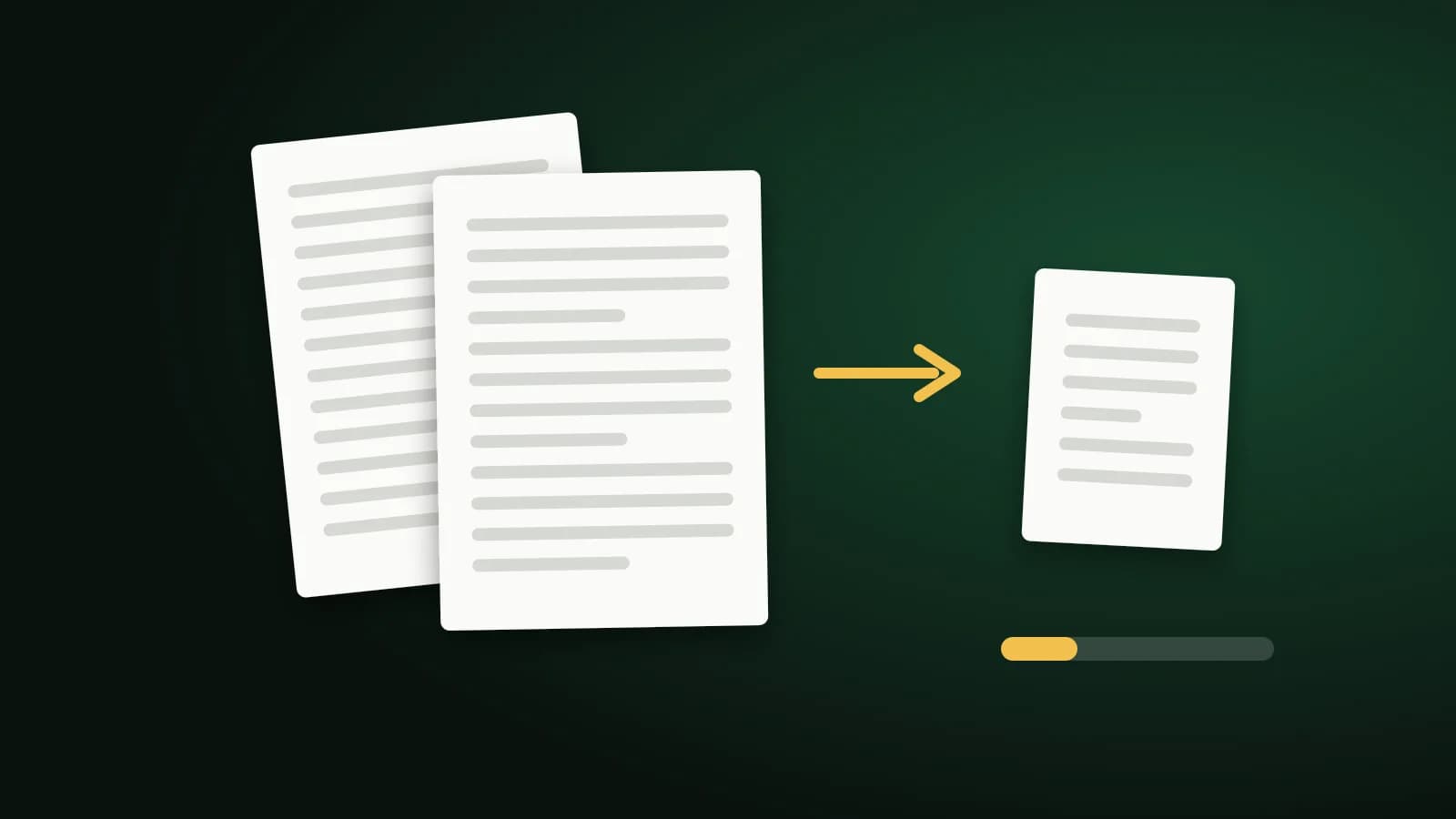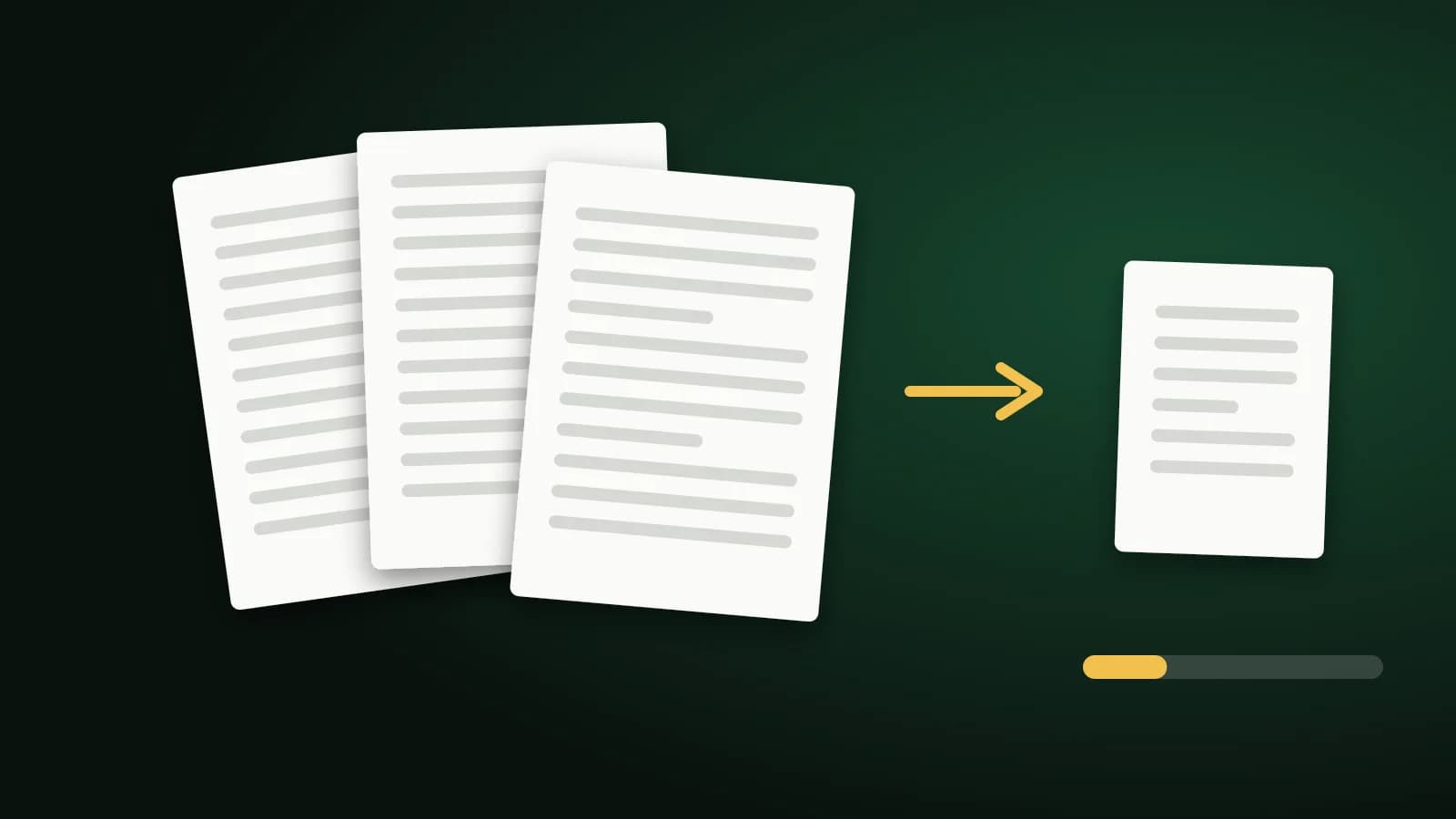
Some portals refuse any PDF over 100 KB. That is tiny: a single phone photo is many times larger. Whether your document can reach it depends almost entirely on what is inside the PDF, so it helps to know what to try and in what order.
What decides the size of a PDF
A PDF is made of text, fonts, vector drawings and pictures. For most documents:
- Text and vector graphics are small. A typed page is often a few dozen kilobytes.
- Pictures are large. A scanned page is a photograph of paper, and it dominates the file.
So a typed one-page letter may already be under 100 KB, while a ten-page scan will not come close, however hard you compress it.
Try these in order
- Remove pages you do not need. Fewer pages is the biggest saving. Delete PDF Pages removes them, and Split PDF separates a long file into parts that can be uploaded one at a time.
- Compress the pictures. Use Compress PDF to 100KB, which tests three compression levels and keeps the most readable result that fits.
- Re-scan if you can. A grayscale scan at moderate resolution is far smaller than a colour scan at the highest setting.
- Export from the source. A PDF saved from Word or a spreadsheet keeps its text as text and is usually much smaller than a printout scanned back in.
What the 100 KB tool does and does not do
The tool starts with the strongest level to learn whether 100 KB is possible at all. If it is, it works back through gentler levels and keeps the lightest one that still fits, so pictures are softened no more than necessary. If the file is already under 100 KB, you get it back unchanged.
It recompresses embedded pictures only. Text, fonts and vector artwork are left as they are, which keeps words sharp and searchable but also means a document with many pages has a floor it cannot go below. When 100 KB is out of reach, the tool says so and shows the smallest version it managed. The file is sent to our server over an encrypted connection and deleted as soon as the result is returned. Files up to 100 MB are accepted.
If it will not go below 100 KB
- Split the document and ask whether the portal accepts several files.
- Check whether the limit really is 100 KB. Some portals accept 200 KB or 500 KB, which leaves far more room for quality: see Compress PDF to 200KB.
- Ask whether an image of the page, such as a single JPG, is accepted instead.
Frequently asked questions
Can any PDF be compressed to 100 KB?
No. A short text-based PDF often can. A long document or a multi-page colour scan usually cannot, because only the pictures inside are reduced.
Will the text still be readable?
Text is not altered, so it stays sharp. Pictures, including scanned pages, are softened, so check small print after compressing.
Is exactly 100 KB possible?
The aim is the best result that fits under the limit, so it usually lands a little below it.
The short version
Remove or split pages first, then compress the pictures that remain. A one-page document often fits in 100 KB; a long scan needs a larger limit or several files.