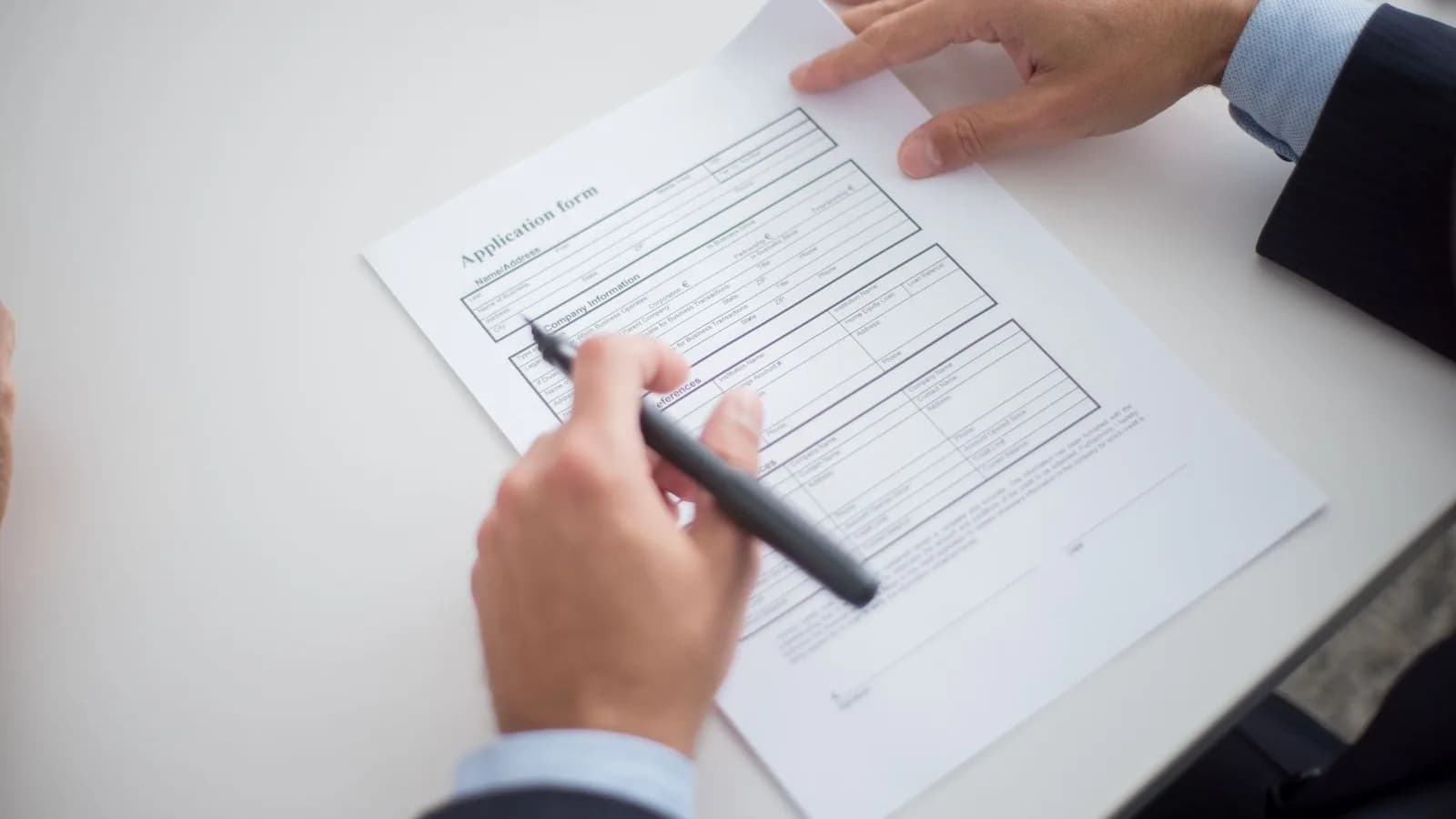
"File too large" is a particularly annoying error on a form that closes in an hour. Job portals, visa applications, school admissions and tax sites all set their own limits, and they rarely tell you how to meet them. Here is a calm way to work through it, from least effort to most.
1. Find out the real limit
Look for the number on the upload page: it is usually in small print beside the button. Two things are worth checking:
- Is it per file or in total? Some forms allow several documents of a certain size each; others cap everything together.
- How is a megabyte counted? Some sites treat 1 MB as 1,000 KB and others as 1,024 KB. If you are right at the edge, a file that looks fine on your computer can still be rejected. Leave a margin of 10 to 15 percent below the stated limit.
2. Look at what is making the file large
A PDF that is mostly text is already small, and there is not much to take out. A PDF full of photos or scanned pages is where the weight is, and that is where compression helps. If you are not sure which you have, the file size per page gives it away: tens of kilobytes per page means mostly text, a megabyte or more per page means pictures.
3. Compress it
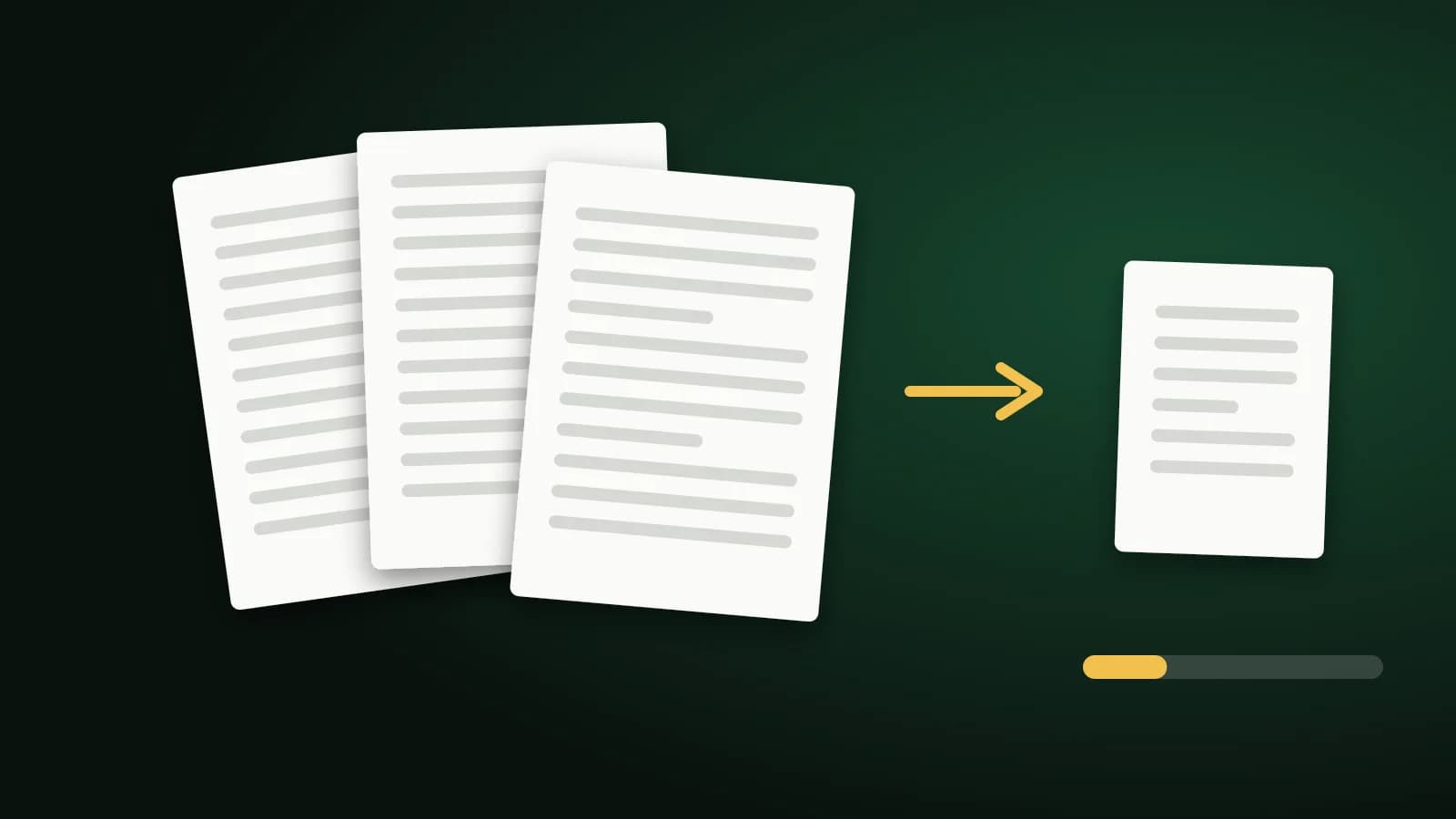
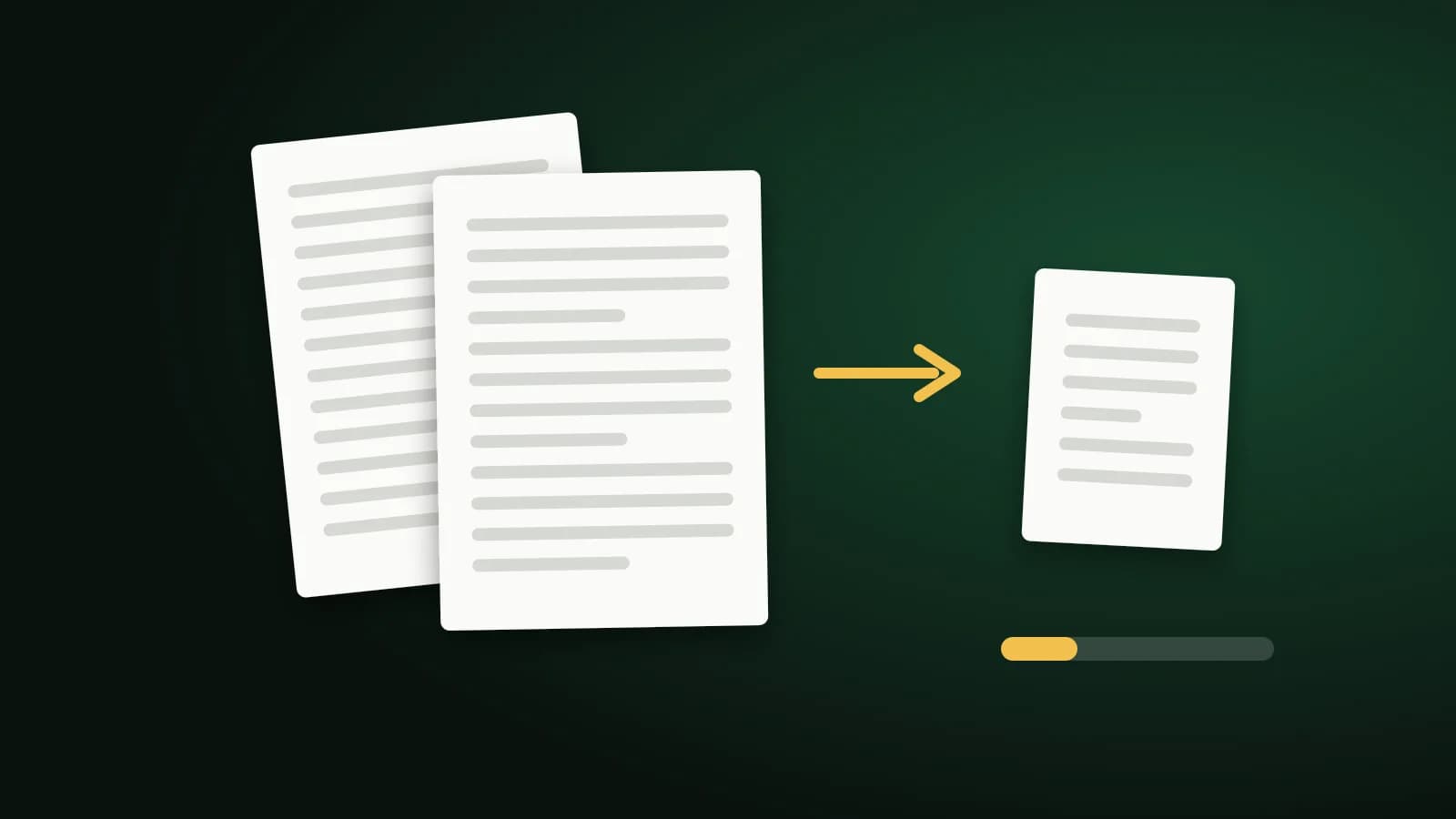
Open Compress PDF and add your file. It recompresses the pictures inside the PDF at lower quality and caps the pixel size of very large ones, while text and vector graphics stay as they are. Start with Recommended. If it is still over the limit, try Extreme, then check the sizes shown. Your file goes to our server over HTTPS and is deleted once the result is returned.
If the result is not smaller, you simply get your original back.
4. If you need a particular number
When a form says "maximum 500 KB", use a page built for that: Compress PDF to 500 KB. It tries the compression levels from strongest to gentlest and keeps the most readable one that fits. For stricter limits there are 200 KB and 100 KB versions.
These pages do not promise an exact size. A short PDF with a few small images often fits in 100 or 200 KB. A long, image-heavy document usually does not, and the tool will tell you so and give you the smallest version it could produce.
5. If compression is not enough
- Split it. If the form accepts more than one file, Split PDF lets you upload the document in two or three parts.
- Remove pages the form does not need. A cover page, a blank back or duplicate copies can be dropped with Delete PDF Pages.
- Check the source. If you made the PDF from photos, resizing the pictures before you build the PDF usually saves more than compressing the finished file. The Resize Image tool does this in your browser.
- Ask. Many portals will accept a larger file by email, or a lower-quality scan, if you explain the problem.
Before you press submit
Open the compressed file and check it yourself. Zoom in on small text, stamps and signatures. If it is clear, upload it. If a signature was already applied to the original, remember that rewriting the file invalidates it; compress first and sign the smaller copy.
Frequently asked questions
How do I make a PDF under 1 MB?
Run it through Compress PDF on Recommended, then Extreme if needed. A document that is mostly text will already be under 1 MB; scans and photo-heavy PDFs usually need compression, and sometimes splitting.
Why is my PDF still too large after compressing?
Compression only works on the pictures. A PDF full of text, fonts and vector artwork has little left to remove. Splitting it or removing pages is the better route.
Is it safe to upload my application documents to a compressor?
Compress PDF sends the file to our server over HTTPS and deletes it as soon as the result is returned. If you prefer a tool that never uploads files, choose one that works entirely in your browser. Our guide to whether online file converters are safe explains how to tell the difference.
Can I keep the original quality for printing?
Keep your original file for that. Treat the compressed copy as the one for uploading and sending.
The short version
Find the exact limit, compress with Recommended and then Extreme, use a target-size page if you have a hard number, and split or trim if you still need to. Keep the original, and check the result before you submit.