You take a screenshot, save a logo or export a photo as PNG, and the file is several megabytes. The same picture saved as JPG is a fraction of that. Nothing is wrong with your file: PNG simply works differently, and that is worth understanding before you decide how to shrink it.
Why PNG files are big
PNG is lossless. It stores every pixel exactly, so the picture you open is identical to the one you saved. That is ideal for screenshots, logos, icons and text, where sharp edges and flat colours matter and any blur would show.
JPG and WebP can be lossy. They discard detail the eye barely notices and use that to make files much smaller. For photographs, with their smooth gradients and natural noise, the saving is large and the loss is hard to see. For a photo, PNG is the wrong container: you pay for exact pixels you do not need.
Two things make a PNG larger still:
- Photographic content. Lots of subtle colour variation is the worst case for lossless storage.
- Pixel dimensions. A full-screen retina capture or a phone photo contains millions of pixels, and a lossless format has to keep them all.
The quality slider will not help much
This catches many people out. Because PNG output is lossless, lowering the quality setting on a compressor barely changes the size of a PNG. If you keep PNG as the output and only drag the slider, you will probably be disappointed. The levers that work are the format and the dimensions.
What actually makes a PNG smaller
1. Change the format, when the picture is a photo
If the image is a photograph, convert it. Compress Image can output JPG or WebP, and either is usually far smaller than the PNG. PNG to JPG and PNG to WebP do the conversion directly. Check the result at full size, as in any lossy format, and avoid converting the same file over and over.
2. Resize it
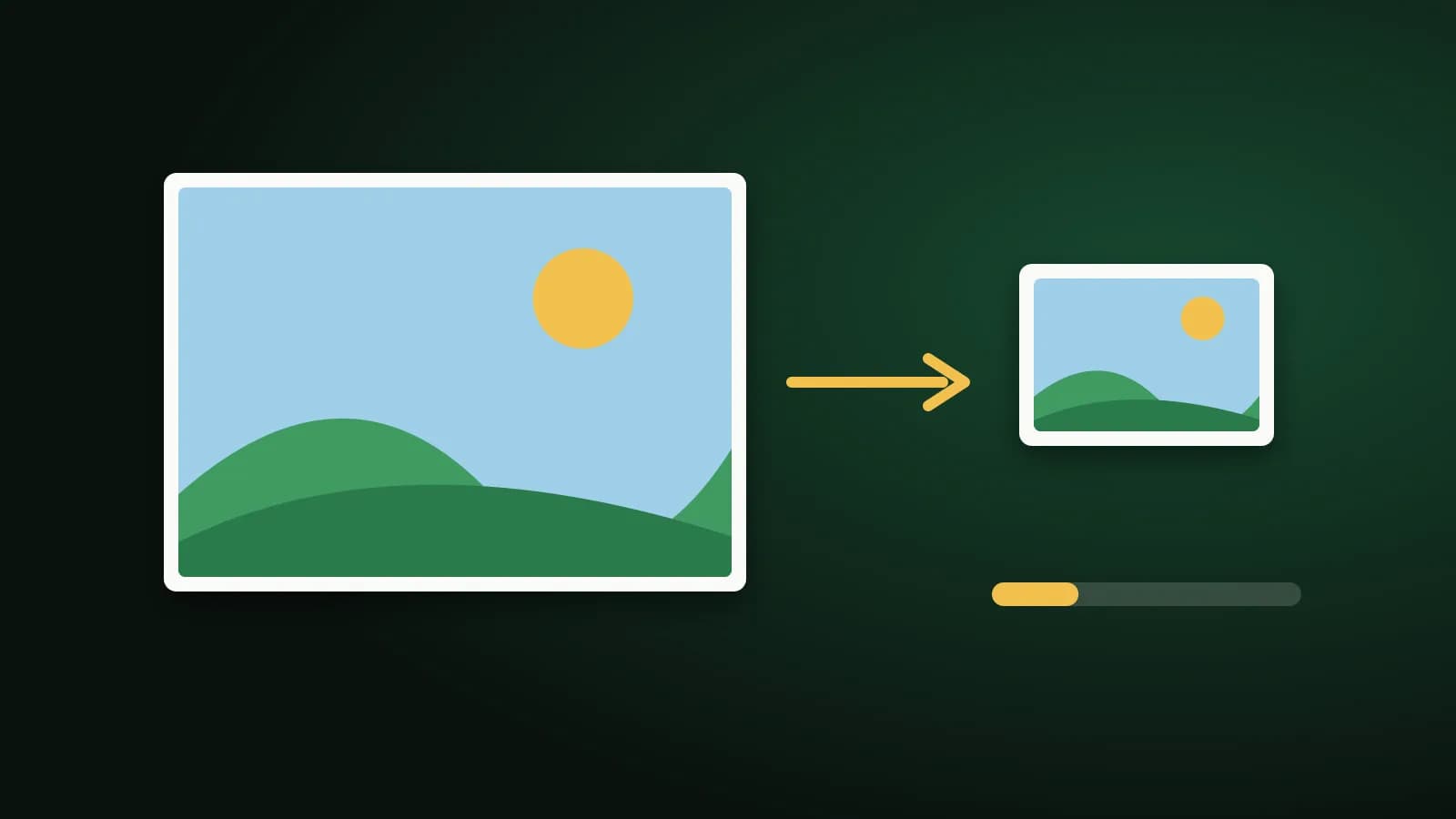
If the image is bigger than it needs to be, reduce its size. A picture displayed 800 pixels wide does not need to be 3,000 pixels wide. With Resize Image or the maximum-size option in Compress Image, you can cap the longest side, which often cuts the file size sharply and keeps the picture looking good on screen.
3. Keep PNG where it belongs
Screenshots with text, logos, diagrams and anything with transparency are a good fit for PNG, and for those, resizing is the better saving. If you convert a transparent PNG to JPG, the transparent areas are filled with white, because JPG cannot store transparency. Choose WebP or keep PNG if you need the transparent background.
A quick guide
| What you have | Better choice | Why |
|---|---|---|
| A photograph saved as PNG | JPG or WebP | Much smaller, and the loss is hard to see |
| A screenshot with text | PNG, resized if needed | Keeps text sharp |
| A logo with a transparent background | PNG, or WebP | JPG would add a white background |
| A very large image of any kind | Resize first | Fewer pixels means a smaller file |
If you are working to a size limit
When a site or form wants a file under a certain size, a PNG is the hardest format to hit it with. Convert photos to JPG first. For a hard number, the Resize Image to 50 KB and 20 KB pages accept PNG and produce a JPG that fits, in your browser, with nothing uploaded.
Frequently asked questions
Why is a PNG bigger than a JPG of the same picture?
PNG keeps every pixel exactly, while JPG discards detail you are unlikely to notice. For photographs the difference can be several times in file size.
Does PNG lose quality when I compress it?
PNG itself is lossless. The loss comes when you convert to a lossy format such as JPG or WebP, or when you shrink the pixel dimensions.
Can I keep the transparent background and still make it smaller?
Yes. Resizing keeps transparency, and so does choosing WebP or PNG as the output. Converting to JPG does not, because JPG has no transparency.
Is WebP always better than PNG?
Often smaller, but not accepted everywhere. A few older programs and sites reject it. If an upload fails, use JPG or keep PNG.
The short version
PNG is large because it is exact. For photos, switch to JPG or WebP. For screenshots and logos, keep PNG and resize it. Dragging a quality slider on a PNG will not do much; changing the format or the dimensions will.