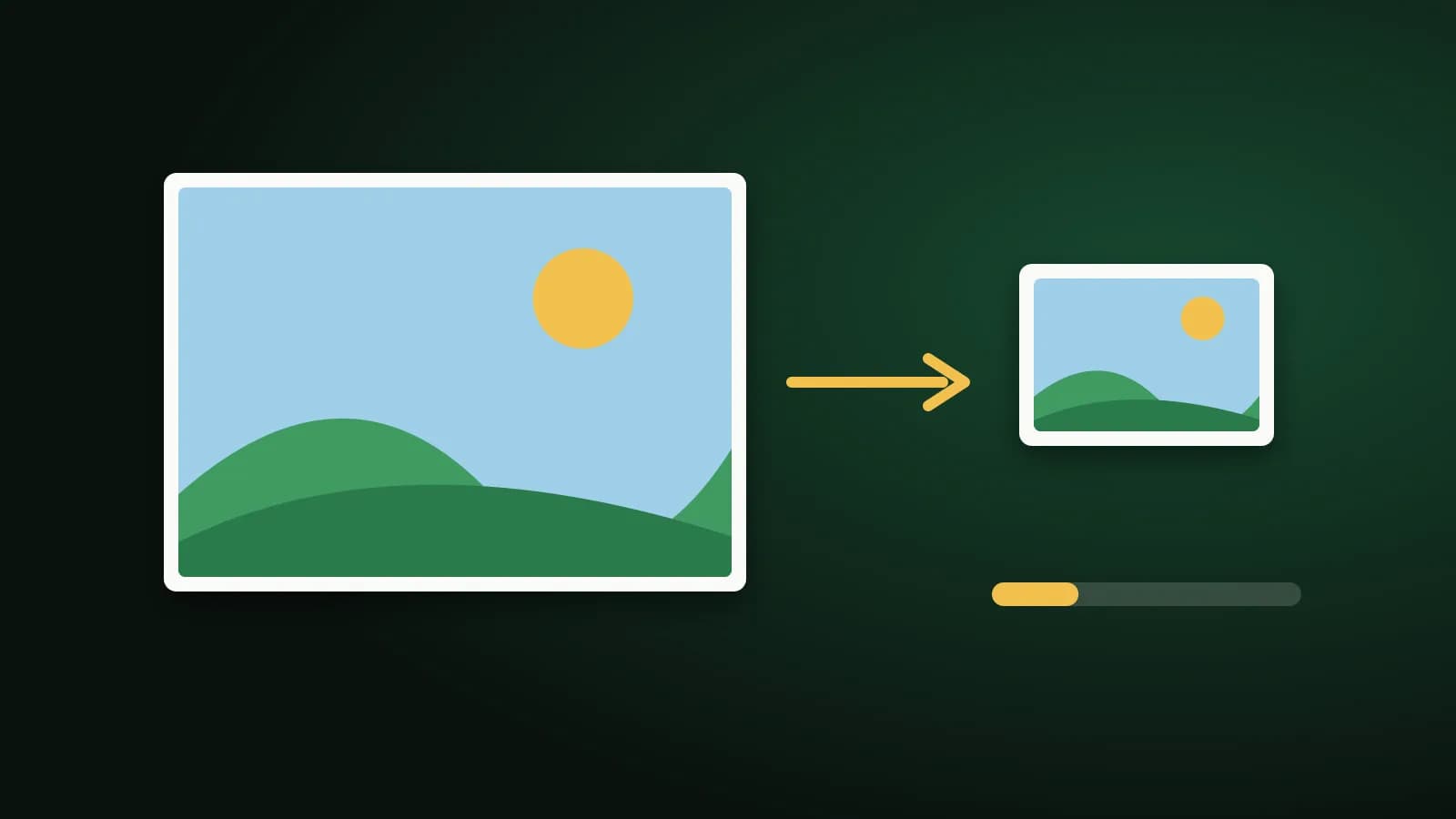
Some forms ask for a photo or a signature "not more than 50 KB", and a modern phone photo can be a hundred times that. Getting from several megabytes down to a few dozen kilobytes without ruining the picture is mostly a matter of knowing which two levers to pull.
What makes an image file big
Two things set the size of a JPG:
- Pixel dimensions. A phone photo is often around 4,000 pixels wide. Every extra pixel is more data. A form that shows your face at the size of a postage stamp does not need all of them.
- Quality. JPG throws away detail to save space. A lower quality number means a smaller file and more visible compression, especially in smooth areas such as skin, skies and plain backgrounds.
Reducing dimensions usually saves more than lowering quality alone, and a combination of a sensible size and moderate quality gives the best-looking result for a given file size.
What size are you aiming for?
KB limits come in rough bands:
- Around 20 KB: usually small portraits and signature scans on older forms. A signature on white paper compresses very well.
- Around 50 KB: a common limit for photos on application and registration pages.
- Around 100 KB and above: gives noticeably more room for a clear photo.
Check the exact figure on your form, including whether it is a maximum or a range, and whether the limit counts in KB as 1,000 or 1,024 bytes. Leave a little margin under the limit.
The quick way: use a target-size page
Two pages are built for exactly this. Pick the one closest to your limit:
You add a JPG, PNG, WebP or GIF, and the tool searches for the highest JPG quality that fits. Only if quality alone cannot get there does it make the picture a little smaller and try again. It all happens in your browser, so the photo is never uploaded. Each result shows its new file size and dimensions, so you can check before you upload it to the form. If a picture is already under the target, it is returned unchanged.
Be aware that these tools aim for a size, they do not guarantee one. A very large or very detailed photo may not reach 20 KB without becoming too small to be useful. When that happens, you are told, and you get the smallest version it could make.
Doing it by hand
If you want more control, use Compress Image and Resize Image:
- Resize first. Cap the longest side at something sensible for how the picture will be used. For a form photo, a few hundred pixels is often plenty.
- Choose JPG for photos. PNG is lossless, so the quality slider barely changes its size, and a photo saved as PNG is much larger than the same photo as JPG.
- Lower the quality in steps. Move down and check the size shown each time, and stop when it fits.
- Look at the result at 100 percent. Make sure the face or the signature is still clear.
Tips for photos and signatures
- Start from the original, not from a copy that has already been compressed. Each recompression loses detail.
- Keep backgrounds plain. Plain, evenly lit backgrounds compress far better than busy ones, so a photo taken against a wall is easier to shrink than one in a crowd.
- Scan signatures in black and white or grayscale on white paper. They are simple shapes, and compress to a few kilobytes while staying legible.
- Do not enlarge a small image. Making it bigger again adds file size but no detail.
Frequently asked questions
How do I reduce a photo to 50 KB?
Use the 50 KB page: add the photo and the tool finds a JPG quality that fits, reducing the dimensions only if it needs to. Check the size shown, then upload.
Will reducing the size make my photo blurry?
Smaller files carry less detail, so a very tight limit can soften a photo. The tool keeps the highest quality that fits before it shrinks the dimensions, which usually looks better than the reverse.
Is my photo uploaded anywhere?
No. The image is processed by your own browser and never sent to our servers.
Why is my image still too big?
It may be a large, detailed photo with a very small target. Try a bigger target if the form allows it, crop the picture to just what is needed, or start from a smaller original.
The short version
Shrink the dimensions first, use JPG for photos, lower quality in small steps, and check the picture at full size. For a hard limit such as 20 or 50 KB, the target-size pages do the searching for you, and tell you if the limit cannot be met.